Image01
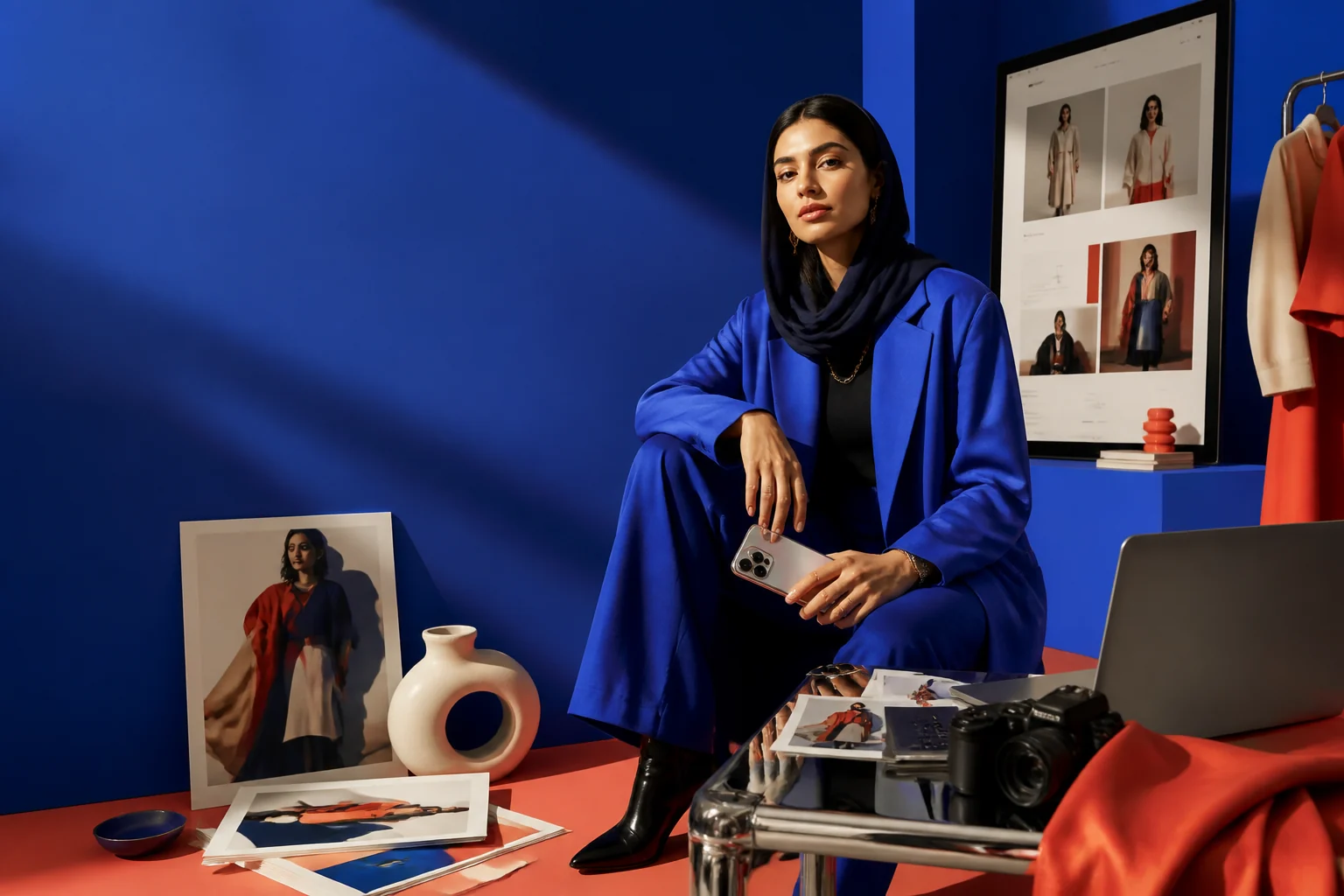 ILLUSTRATIVE TOOL PREVIEW
Make your next image.
Describe the lighting, composition and style. Choose an available model and aspect ratio, then refine your result with another prompt.
Open workspace Rayler.
Create images, video, music and narration in one workspace. Talk through an idea, see the result, and keep creating in Studio.
Keep your prompt, model and references together. Each tool has its own workspace. Each result can become the start of your next iteration.
ILLUSTRATIVE TOOL PREVIEWDescribe the lighting, composition and style. Choose an available model and aspect ratio, then refine your result with another prompt.
Open workspaceSet your opening frame, camera movement and duration. Generate a clip with the video models available in your workspace.
Open workspaceImport your own media. Arrange and split clips, layer text and audio, preview your edit, and export with the browser editor.
Open workspaceWrite a music brief or narration script. Music, sound effects and voice each have a dedicated workspace with the models available to your account.
Open workspaceI need a product launch image with soft lighting and a blue backdrop.
Refine the brief. Review the result. Continue in the tool.Plan with the Studio agent and receive supported media results in the conversation. Download a result or choose Edit in tool to continue in its workspace.
Open workspaceBrowse the library, revisit conversations and inspect generation runs. Published library resources are available as free downloads.
Open workspaceDescribe an object and generate it with an available 3D model. Download the model file from your results.
Open workspaceOpen the tools, agent and Studio resources inside your dashboard.
Start in a conversation or go straight to a tool. Choose the way you want to create.
Describe your audience, style and desired result. Select a reference and settings in the tool.
Review the available models and reported cost. Inspect your output and refine it with another prompt.
Download the result, move from the conversation into its tool, or import media into the video editor.
These illustrative examples show how you can use the tools. They are not customer work or live generations.
The tools are ready for your next brief. Access and available models depend on your account and enabled features.